
How to remove whitespace in Tomcat with Magnolia (CMS) or OpenCms
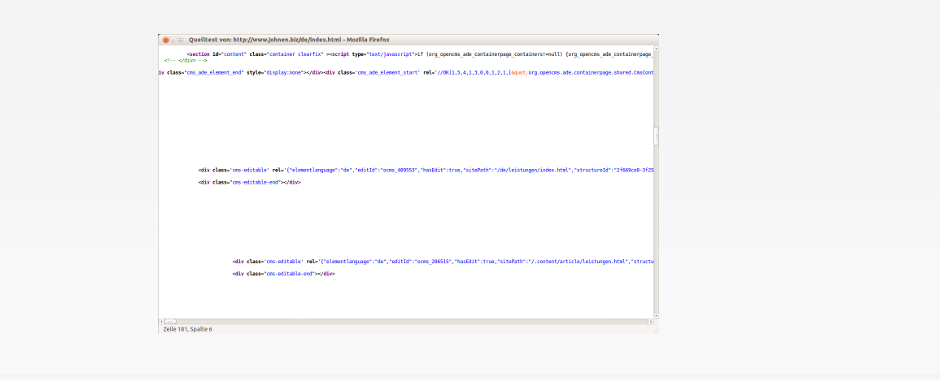
If you have worked with Magnolia (CMS) or OpenCms (or JSPs in general) before, you may have experienced the problem with unwanted whitespace in the resulting HTML. Of course, in Magnolia, you rarely work with JSPs anyway. There are ways to avoid this by configuring the web.xml in the following way:
<jsp-config>
<jsp-property-group>
<url-pattern>*.jsp</url-pattern>
<trim-directive-whitespaces>true</trim-directive-whitespaces>
</jsp-property-group>
</jsp-config>
But this doesn't seem to work with OpenCms. My guess is that this is because of its servlet version. So I chose to insert the directive
<%@ page trimDirectiveWhitespaces="true" %>
into every JSP, which is not so elegant, but it works. However, I didn't want to do this manually, so I wrote the following Bash script:
for f in `find . -iname "*.jsp"`;
do
echo file $f;
sed -i.bak '1i\
<%@ page trimDirectiveWhitespaces=\"true\" %>
' ${f}
#echo $(head -n 1 $f)
done
I'm available as a freelancer (Freiberufler) for Magnolia (CMS) or OpenCms projects.
Comments